
Introducing Health Auto Export 10.0
A redesigned experience for iPhone and iPad. New ways to export your data. More control over the sources you use.
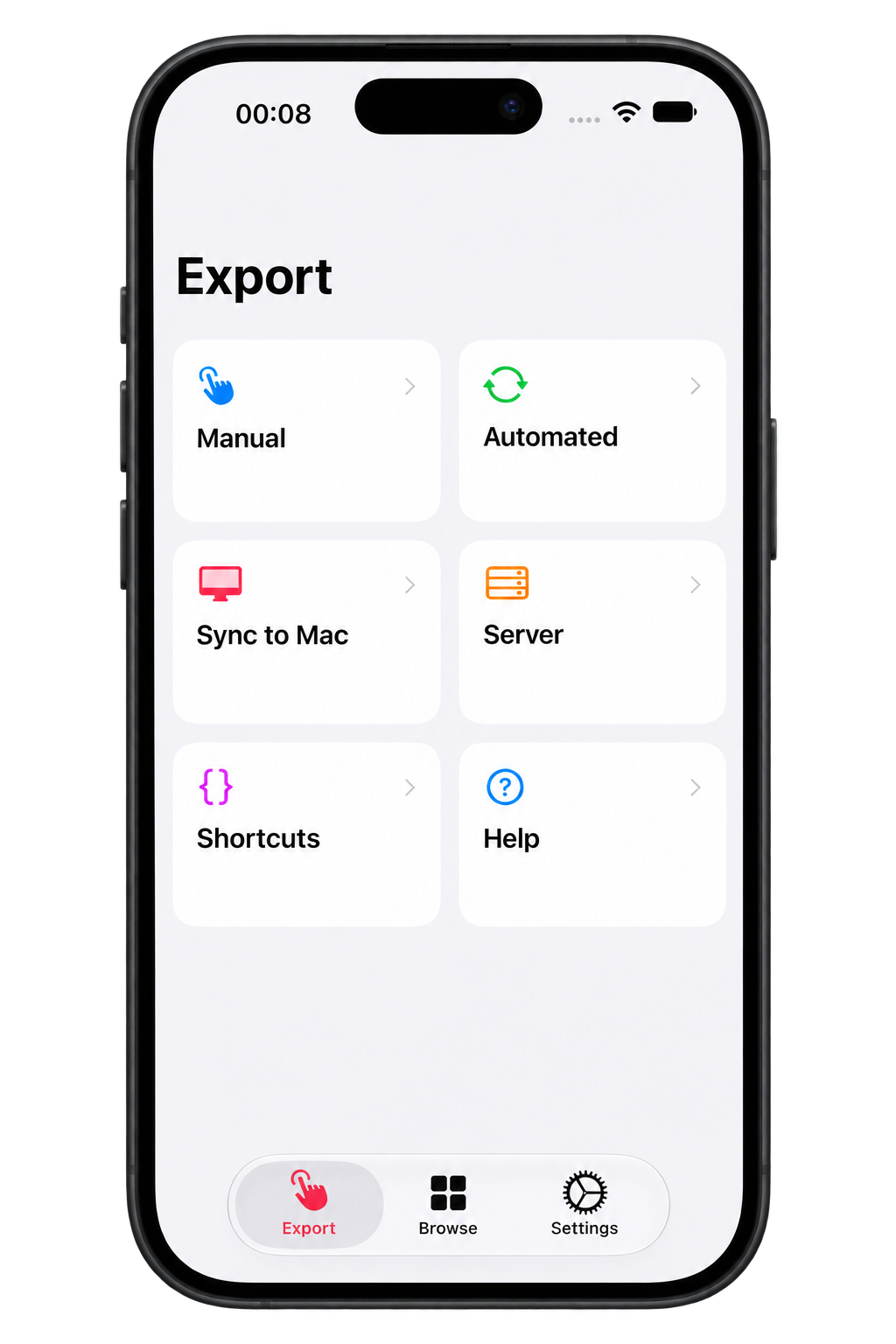
Health Auto Export 10.0 introduces a new design for browsing, exporting, and working with your Apple Health data. Layouts adapt to the space available on iPhone and iPad, bringing your data and export controls into an experience designed for screens of different sizes.
A design that makes room for your data
The refreshed navigation brings exporting and browsing into clear, dedicated areas. Move from recent readings to individual metrics, explore your workouts, or open an export workflow.
A new format for your health data
Version 10.0 adds Markdown exports, giving you another way to read and keep your health data.
Exported files organize records under headings and tables that open in standard Markdown readers, including Obsidian. Keep them alongside your notes, search through an archive, or use Obsidian Bases to organize exported files by data type and date range.
Markdown joins JSON, CSV, and GPX, so you can choose a format that fits what you want to do next.
Choose the sources that matter
When multiple apps and devices record the same metric, source preferences let you choose which readings to include.
Select preferred sources for individual health metrics, or exclude a source across your metric exports. Each automation can have its own choices—for example, using one set of sources for a daily report and another for a separate analysis.
Your selections control what Health Auto Export includes. Nothing is deleted from Apple Health.